

3D Printing Reaches a New Level with BambuLab RFID Filament
February 28, 2026
3D printing has long become part of everyday life for enthusiasts, designers, and even industrial companies. This technology allows creating objects from plastic layer by layer using special printers. But recent years have brought a real breakthrough thanks to the integration of smart systems. One such innovation is RFID plastic from BambuLab. This material is not just filament for printing - it is equipped with tags that make the process smarter and more efficient. Thanks to this, 3D printing becomes faster, more accurate, and less prone to errors. In the article we will look at how this technology works, its advantages, and give practical advice for those who want to make the most of its potential.
Modern 3D printers, such as models from BambuLab, support multi-color printing and automatic material management. RFID plays a key role here, allowing the printer to automatically recognize the filament. This saves time and reduces the risk of failed prints. Whether you are a beginner or an experienced user, understanding this system will help take your projects to a new level. Next, we will break everything down point by point, from the basics to recommendations.
What Is RFID in the Context of 3D Printing
RFID, or radio frequency identification, is a technology that uses radio waves to read data from tags. In 3D printing, such tags are attached to filament spools. They contain information about the type of plastic, color, and even recommended printing parameters. When the spool is inserted into the printer, the system reads the data wirelessly, making the process automatic.
In regular 3D printing, users have to manually enter settings for each material. This can lead to errors such as incorrect temperature or speed. With RFID everything changes. The tag transmits data to the printer, and it adjusts itself. For example, if the filament is PLA, the printer sets the nozzle temperature to 200 degrees, and for PETG - to 250. This is especially useful for multi-material prints where filaments need to be changed on the fly.
BambuLab introduced this technology in their filaments starting in 2022. Their spools are compatible with the AMS system, which manages multiple materials simultaneously. The tag is attached to the cardboard core on which the plastic is wound, so it can be reused with refills. This makes the system more eco-friendly by reducing waste from plastic spools. Other manufacturers such as Creality are also experimenting with RFID, but BambuLab leads in software integration.
The technology is not perfect. Sometimes the tag is not read on the first try due to the spool's position. But overall, RFID simplifies life. For hobbyists it means less time spent on settings, and for professionals - higher productivity. If you work with large volumes, such a system saves hours of work.
RFID Technology from BambuLab: How It Works
BambuLab developed RFID for their filaments, integrating it with X1 and P1 series printers. The tag is a small sticker with a chip on the inner part of the spool. When the spool is inserted into the AMS (Automatic Material System), the reader in the slot reads the data. The information includes material type (PLA, ABS, PETG), color, serial number, and even remaining filament.
The reading process happens automatically. The printer rotates the spool to align the tag with the reader. This takes seconds. The data is transmitted to Bambu Studio - the slicing software. There the settings are synchronized: temperature, speed, cooling. For example, BambuLab PLA Metal has a tag that indicates metallic additives, so the printer adjusts parameters for better adhesion.
AMS supports up to 4 spools simultaneously, and with a hub - up to 16. RFID helps the printer select the correct slot for the color. If the project requires red PLA, the system automatically loads it. This is useful for complex multi-color models.
BambuLab filaments with RFID include PLA Basic, PLA Matte, PETG, ABS. Each has unique properties. PLA Basic is for everyday printing, resistant to deformation. PETG is moisture-resistant, ideal for outdoor parts. The tags are encrypted to prevent counterfeiting, but the community has found ways to clone them for third-party materials.
In practice, RFID tracks usage. The printer counts spool rotations to estimate remaining filament. This warns about filament running out during long prints. If the tag is not read, simply remove and reinsert the spool. For refills the tag comes with the new filament, so compatibility is maintained.
Advantages of Using BambuLab RFID Plastic
BambuLab RFID plastic brings many benefits to 3D printing. Here are the main ones in a list:
Automatic recognition: The printer itself determines the type and color without manual input. This reduces setting errors.
Time saving: Instead of spending minutes selecting profiles, everything happens in seconds. Ideal for multi-color projects.
Print accuracy: Recommended parameters from the tag ensure better quality. Less waste due to incorrect temperature.
Inventory tracking: The system shows approximate remaining filament, helping plan purchases.
Eco-friendliness: The refill system with RFID reduces waste since spools are reusable.
AMS compatibility: Full integration makes multi-material printing simple even for beginners.
Security: Encrypted tags guarantee originality, avoiding issues with low-quality plastic.
These advantages make RFID not just a gadget, but a tool for efficiency. For business it means faster prototype production, and for hobbyists - more creativity without technical obstacles.
Choosing RFID Filament
When choosing BambuLab RFID plastic, focus on the project. PLA Basic is universal, great for figurines or toys. It prints at low temperatures and has no odor. For strong parts choose PETG - resistant to impacts and water.
ABS is suitable for functional parts like gears but requires an enclosed printer due to fumes. PLA Metal adds shine, perfect for decor. Check AMS compatibility: all original tagged filaments work perfectly.
For fast printing choose Hyper PLA with RFID - supports speeds up to 600 mm/s. If budget is limited, start with refills - cheaper but with the same tag. Read forum reviews to avoid issues with specific colors.
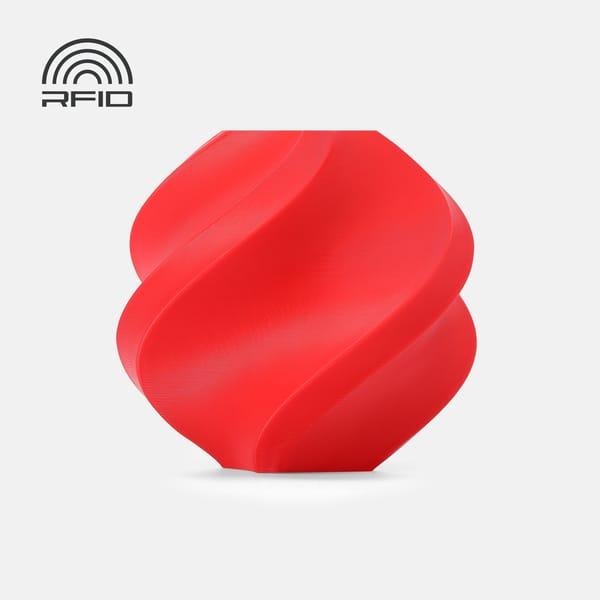
1. Bambu Lab PETG HF Filament
PETG HF is a modified version of PETG developed by Bambu Lab with emphasis on improved flow and printing speed. Thanks to this, the material performs well at high speeds while maintaining acceptable strength and impact resistance. It is less prone to stringing compared to regular PETG, making it easier to print parts with thin walls or fine details.
This filament is suitable for functional items that come into contact with moisture or experience moderate mechanical loads - for example, containers, mounts, protective covers, parts for outdoor use. The surface is smooth with a slight sheen but not too slippery. The material requires good ventilation during printing as it can produce a noticeable odor, though less sharp than ABS.
Before starting work, it is recommended to dry the spool, especially if it has been left open for a long time - PETG quickly absorbs moisture from the air, which can cause bubbles, cracks, or poor layer adhesion.
Key points and specifications:
Material: PETG HF
Color: red
Spool weight: 1 kg
Minimum printing temperature: 230 °C
Maximum printing temperature: 260 °C
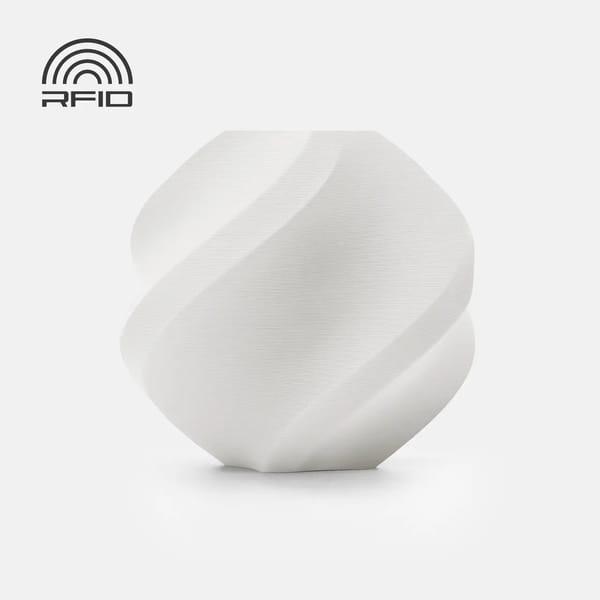
2. Bambu Lab PLA Matte Filament
PLA Matte differs from classic PLA primarily in its finish - it is matte, pleasant to the touch, and practically leaves no fingerprints. Thanks to this, the material is often chosen for decorative models, gadget cases, figurines, educational mockups, or any items where a neat appearance without additional processing is important.
It prints easily at relatively low temperatures, does not require an enclosed printer body, and has almost no shrinkage. This makes it one of the simplest materials for beginners. At the same time, tensile strength and heat resistance remain at the level of regular PLA - that is, not very high, so parts are not suitable for serious loads or operation at temperatures above 50-60 °C.
Bed adhesion is usually good even without special coatings, but for better results many use glue stick or textured build plates.
Key points and specifications:
Material: PLA Matte
Color: white (ivory white)
Spool weight: 1 kg
Minimum printing temperature: 190 °C
Maximum printing temperature: 230 °C
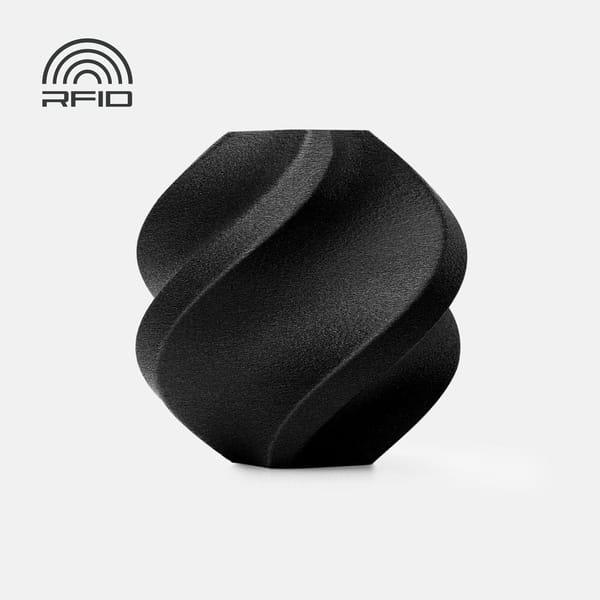
3. Bambu Lab PA6-GF Filament
PA6-GF is a technical filament based on polyamide (nylon) PA6 reinforced with glass fiber. Thanks to the reinforcement, the material gains significantly higher stiffness, bending strength, and dimensional stability compared to regular nylon. It withstands prolonged mechanical loads, moderate impacts, and elevated temperatures well.
Such filament is used for printing functional parts: mounts, gears, mechanism components, tool housings, prototypes that operate in real conditions. It has low shrinkage (with proper drying and settings), good interlayer adhesion, and resistance to deformation under load.
But there are also difficulties: the material is highly hygroscopic - it quickly absorbs moisture from the air, so it must be dried before every print (preferably 8-12 hours at 70-80 °C). A hardened nozzle is also required because glass fiber quickly wears out brass. Printing is best done in an enclosed printer with controlled chamber temperature.
Key points and specifications:
Material: PA6-GF
Color: black
Weight: 1 kg (without spool)
Material density: 1.14 g/cm³
Maximum print speed: 130 mm/s
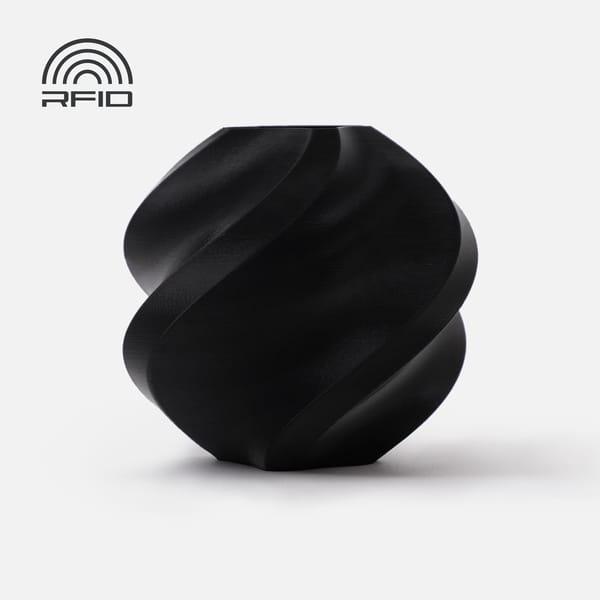
4. Bambu Lab ABS Filament
ABS is a classic material for functional printing. It is known for its impact resistance, relatively high heat resistance (parts withstand up to 80-90 °C without serious deformation), and the possibility of mechanical processing (sanding, painting). This makes it suitable for housings, mounts, mechanism components, parts for cars or household appliances.
During printing ABS is prone to shrinkage and layer cracking, so it works best in an enclosed printer with chamber heating. The odor during printing is quite strong, so ventilation or a filter is mandatory. Bed adhesion can be problematic - hair spray, glue, or special textured surfaces are often used.
After printing, parts are strong, but the surface is usually slightly glossy and may require sanding if a perfect appearance is needed.
Key points and specifications:
Material: ABS
Color: black
Spool weight: 1 kg
Minimum printing temperature: 240 °C
Maximum printing temperature: 270 °C
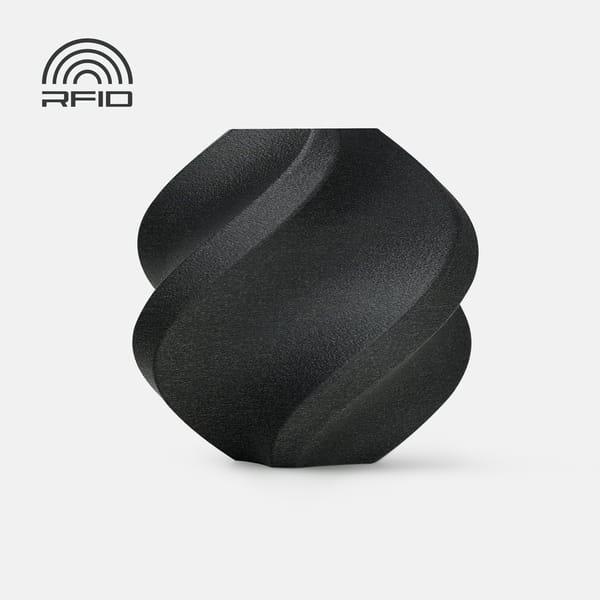
5. Bambu Lab ABS-GF Filament
ABS-GF is ABS reinforced with glass fiber from Bambu Lab. Adding glass fiber makes the material noticeably stiffer, stronger, and more resistant to deformation when heated compared to regular ABS. Parts hold shape better, warp less, and withstand higher temperatures without softening.
It is used for functional parts that require mechanical strength - mounts, housings, mechanism elements, or loaded prototypes. The surface is matte with a slight sheen from the fibers, layers are barely visible. But like regular ABS, it requires an enclosed printer with chamber heating, drying before printing, and a hardened nozzle - glass fiber quickly wears brass. Print speed can be increased, but for quality it is better not to rush.
Key points and specifications:
Material: ABS-GF
Color: black
Spool weight: 1 kg
Material density: 1.08 g/cm³
Maximum print speed: 180 mm/s
Applications of RFID Technology in Different Fields
BambuLab RFID plastic finds use in many areas. In hobby - for creating multi-color models such as figurines or gadgets. Automation allows experimentation without risks.
In industry - for prototyping. Companies print parts with precise materials, saving time. In education - for lessons where students learn without manual settings.
Medicine uses it for custom prosthetics where precision is critical. Automotive industry - for test parts. Even art: artists create sculptures with metallic effects.
Conclusion
BambuLab RFID plastic has truly changed the rules of the game in 3D printing, making everything simpler and more reliable. With automatic material recognition, precise settings, and the ability to track remaining filament, users now spend less time on small details and more on creativity. The tips from the article - from correct spool insertion to filament drying - help avoid typical mistakes, especially for those just starting. But it is worth remembering that in 2026, with delays in original filament deliveries, the community actively shares hacks for third-party materials such as tag reuse. This shows how flexible this technology is. Overall, if you invest in the BambuLab system, RFID will help elevate your projects - whether hobby or professional work - but do not forget about software updates and community forums for fresh ideas.
Frequently Asked Questions
Are all Bambu Lab filaments compatible with RFID tags in 2026?
Not all filaments from Bambu Lab come with RFID tags, and it depends on the material type. Rigid variants such as PLA Basic, PLA Matte, PETG HF, or ABS-GF usually have tags on original spools, making integration with AMS easier. But flexible ones like TPU 85A or 90A often come without them because the AMS system does not fully support soft materials - the printer may struggle with feeding, and settings have to be entered manually. In 2026, with the appearance of new models like H2C, RFID has become standard for many, but for special filaments such as Support for PLA, recognition may be inaccurate, and Bambu Studio sometimes confuses them with others, for example Matte. If you work with refills, the tag usually comes included, so compatibility is preserved, but check forums for updates.
How to solve RFID reading problems in AMS?
RFID reading issues in AMS happen, especially in AMS lite, where the tag is not always detected on the first try. Try removing the spool and reinserting it, slightly rotating it so the tag is opposite the reader - the printer will rotate the spool itself, but sometimes it needs help. If that does not help, check whether moisture is interfering: dry the filament before use because wet material can affect the signal. In 2026 the community recommends updating the printer firmware and Bambu Studio, as new versions improved stability. If the tag is damaged, for third-party filaments you can try cloning the original via NXP chips, but this is unofficial and risky. Overall, clean slots and proper dry storage of spools solve most such issues.
Can third-party filaments be used with the BambuLab RFID system?
Third-party filaments can be adapted to the BambuLab RFID system, but it requires some effort. Original tags are encrypted, so simply sticking one will not work, but in 2026 the community has developed hacks: move the tag from an empty original spool to a new one, such as Sunlu refills, and the system recognizes it as Bambu. Print profiles will have to be adjusted manually in Bambu Studio because third-party materials may differ in flow or temperature. For AMS HT it works better with rigid materials, but forget about TPU - flexible ones do not get along with automatic feeding. I have seen on forums how people decrypt tags for custom use, but this is for advanced users. In the end it saves money, but you lose automation unless you hack it.
What updates in BambuLab RFID technology appeared by 2026?
By 2026 RFID in BambuLab has evolved, focusing on stability and compatibility with new printers. In models like H2C, tags are now integrated with induction hotends, where the chip reports not only the filament but also the nozzle type. AMS HT received better drying support from tags, automatically selecting parameters for moisture-sensitive materials. But there are also problems: delays in original filament deliveries forced the community to create custom tags and even AMS firmware to ignore signatures. Bambu Studio updates added better cloud integration for tracking, but for AMS lite reading is still not perfect. Overall it made the system more flexible, but rely on forums for fresh hacks because official changes are slow.
Are refill spools compatible with RFID and how to use them?
BambuLab refill spools are fully compatible with RFID because the new filament comes with a tag that attaches to the reusable core. Insert the refill, attach the tag in the special hole - and AMS recognizes it as original. This is eco-friendly and cheaper, but in 2026 with original stock delays people often combine with third-party by moving tags. For drying in AMS HT the tag helps with presets, but dry the refill before installation because cardboard absorbs moisture. If the tag is not read, check orientation - sometimes a slight rotation is needed. In practice refills are ideal for daily printing, but for special materials like PA6-GF make sure profile compatibility to avoid defects.